
- Home
- Security
- Email Services
- Website Tools
The NightCafe AI Art Generator is an online platform that allows users to create incredible artworks through the use of Artificial Intelligence. It offers several creation methods, including neural style transfer, text-to-image AI, and more, and allows users to generate up to 28 free artworks per day. It also has a community feature, where users can share and comment on other people's creations, and a printing service to have your creations printed and delivered to your door.


Visily enables teams with diverse design backgrounds to create stunning wireframes and prototypes at light speed. Boasting a wide range of AI-powered features, Visily also has pre-designed templates, prototyping, and collaborative features to make designing an easy & intuitive experience.

Shap-E is designed to create 3D objects that are dependent on specific text or images. It utilizes advanced technology to generate 3D objects based on user input and can produce a wide variety of shapes and designs. This tool is particularly useful for designers, artists, and architects who require complex 3D models for their work. It can streamline the creative process and save a significant amount of time and effort in the design and production of 3D objects. With Shap-E, users can generate high-quality 3D models that are conditioned on specific text or images, making it an invaluable tool for various industries.

Illustroke is an AI tool that generates stunning vector illustrations from text prompts. It is created by Digitalbore OU and Fabio Carbone.
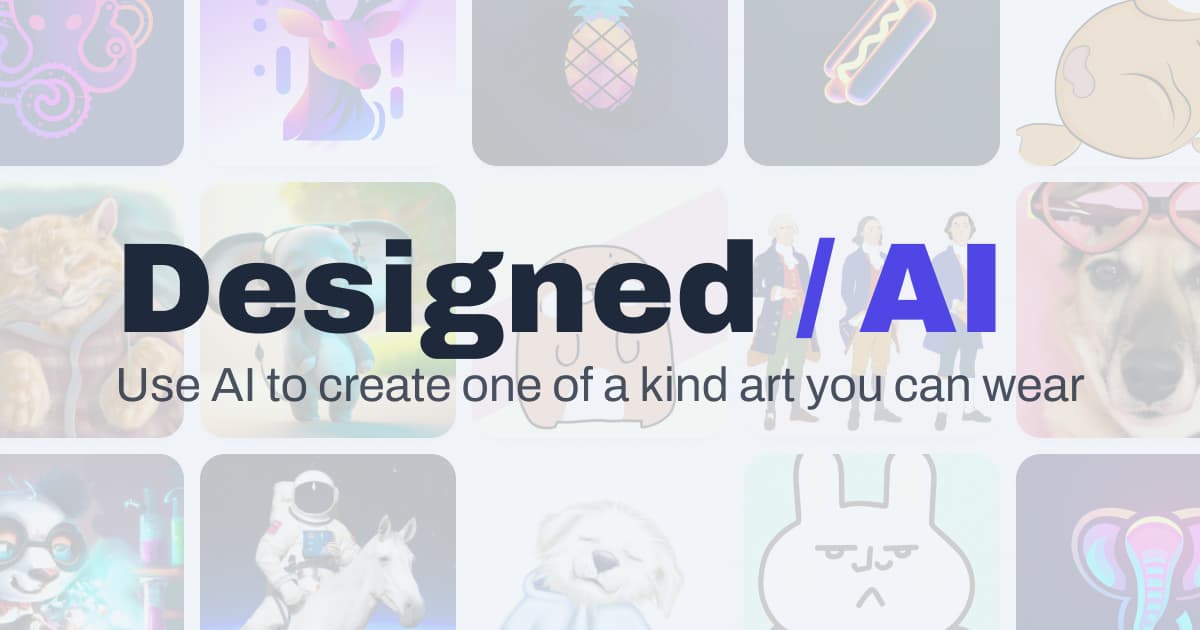
1. Choose the content type, such as photo realistic render or an artist-created image. 2. Describe the object you want to generate. 3. Choose a style by lighting, detail, artist, historical era, technique, and material. 4. Pick a color for the result. 5. Select the camera view. 6. Generate your shirt design. Design for free then purchase the shirt.